Available on the App Store
Your next move.
Now on iPhone.
Take hiring intelligence, company news, your application workspace and engineering lessons with you. ApplyDjinn is a native iPhone app, connected to your existing account.
Free to download · iOS 18 or later · Optional in-app purchases
App Store is a service mark of Apple Inc.
Inside the app
A native workspace, wherever you are.
Actual screenshots from the published App Store version. Explore the market, prepare documents, follow company updates and study on your phone.
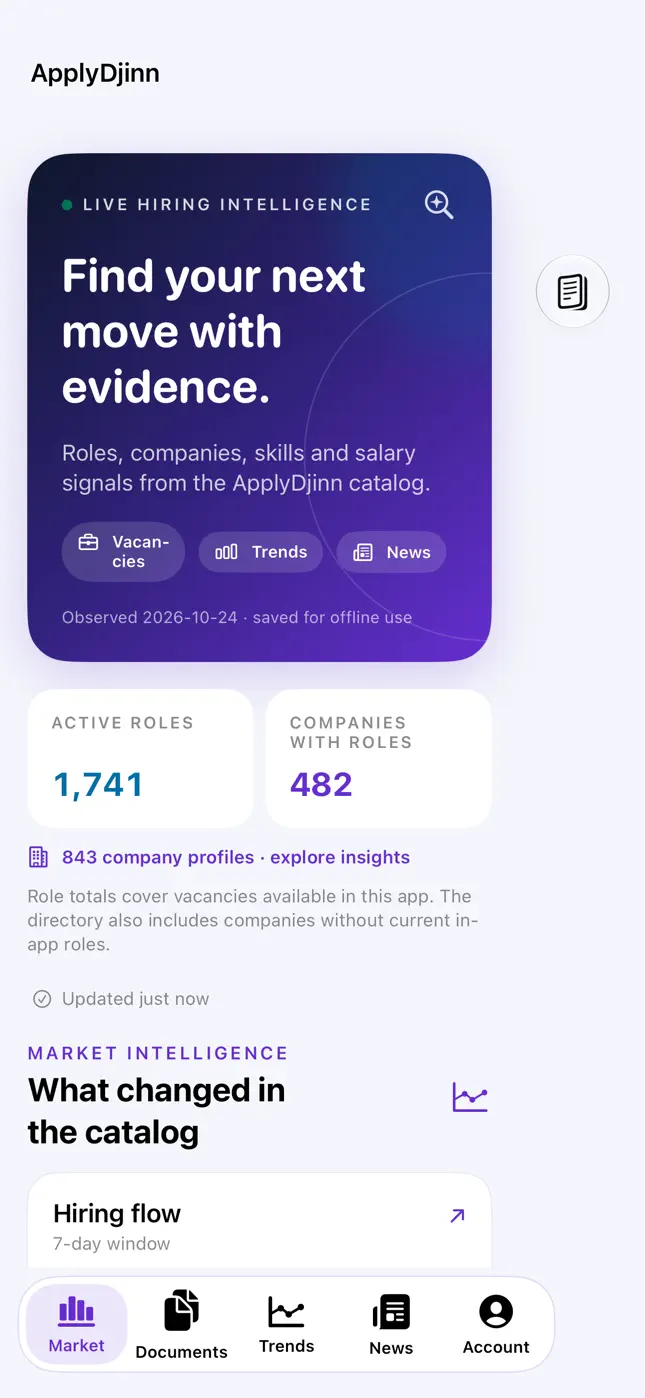
Read the hiring market
Technology demand, current roles and company context in a native iPhone interface.
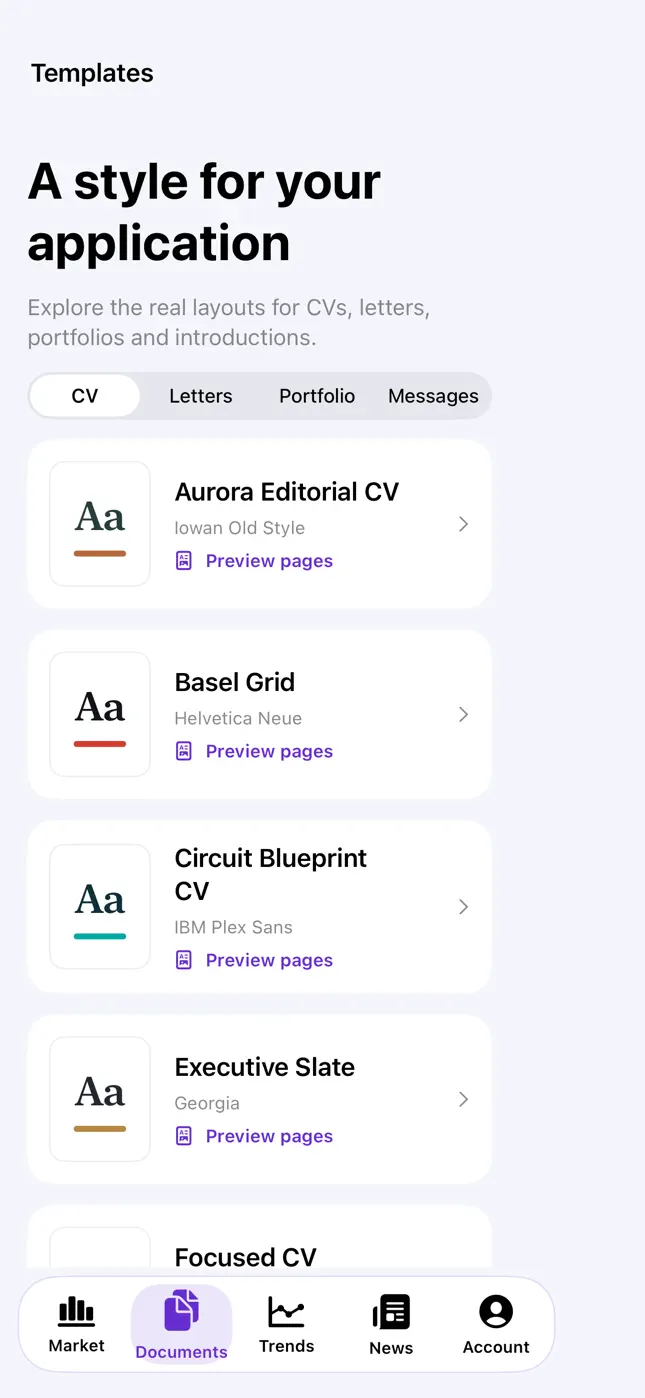
Prepare your application
Browse CV, cover letter, portfolio and message layouts from your workspace.
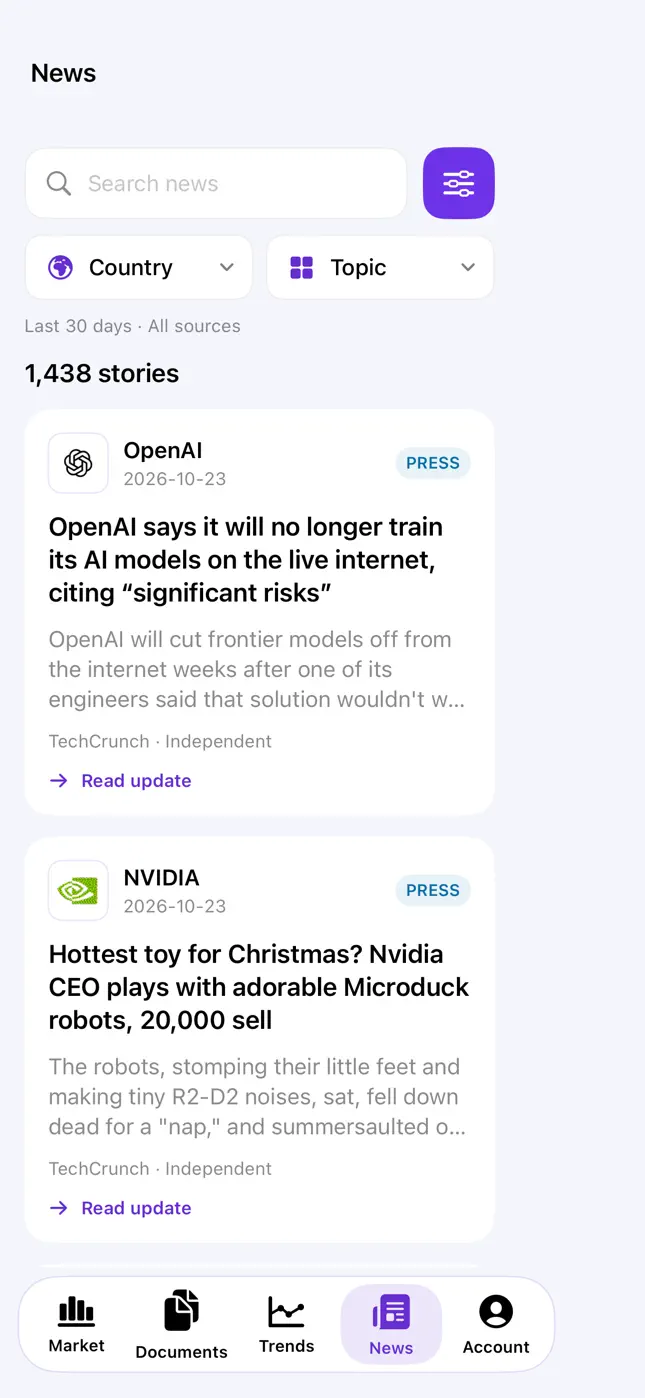
Follow company updates
Read attributed company briefings and follow the original source when you need more context.
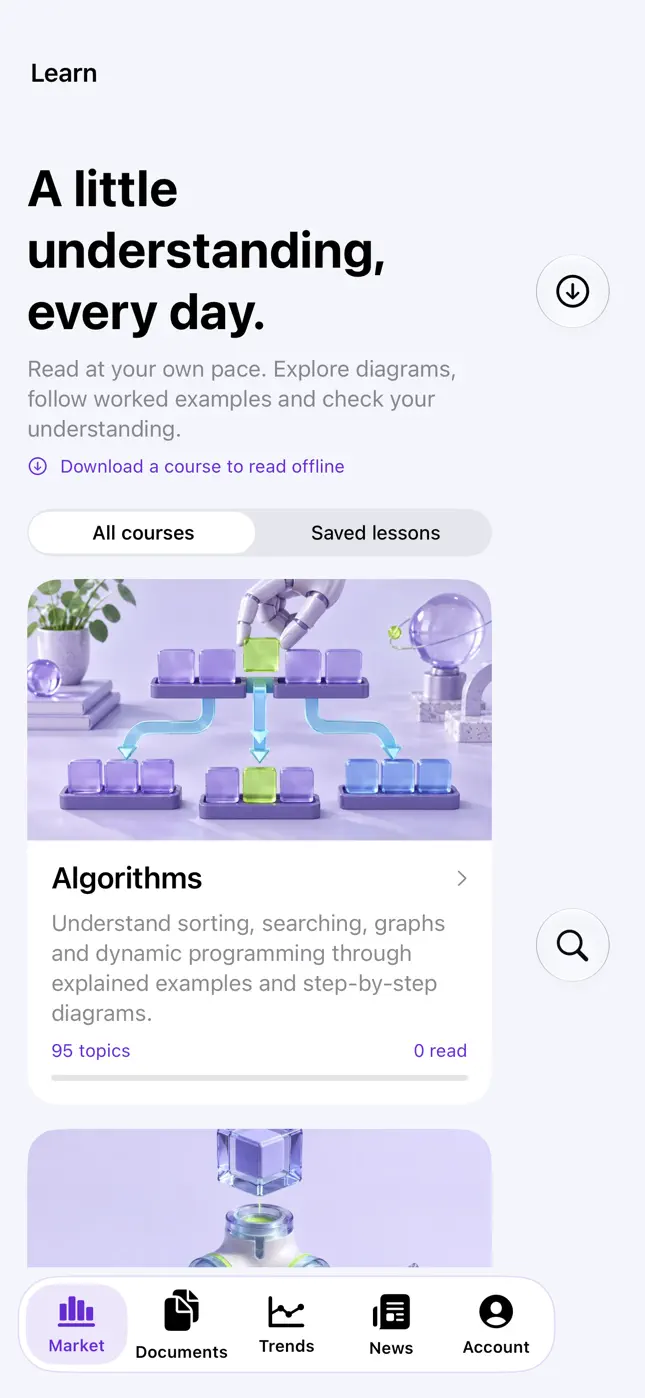
Keep learning on your phone
Explore native engineering lessons, worked examples and self-check questions.
Next app update · awaiting Apple review
Your complete course, ready to go offline.
The next release adds a main Learn tab, cover previews before download, clear download states and a choice to remove a course from your device. News moves inside Trends, and Country Radar gains loading and retry controls.
You choose what is stored.
Download every lesson, worked code example, prepared result, practice question and illustration in a course together. Downloads, resumes and updates start only when you choose them. Removing a course keeps your answers, bookmarks and reading progress.
Explore engineering courses →Before you download
- Is ApplyDjinn available on the App Store?
- Yes. ApplyDjinn is available for iPhone on the App Store. Download it using the official badge on this page. It requires iOS 18 or later.
- Can I use my website account in the iPhone app?
- Yes. Sign in with your existing ApplyDjinn account to access your profile, saved documents and shared credit balance. Public market and learning sections can be explored without signing in.
- Is the iPhone app free?
- The app is free to download. Public research and learning are available without buying credits. Optional credit packs and subscriptions are purchased through Apple; the App Store shows the current local prices.
- Can I read lessons offline?
- The next App Store update adds explicit whole-course downloads: lessons, code examples, prepared results, questions and illustrations are saved together. Download removal preserves reading progress, answers and bookmarks. This update is awaiting Apple's review; the screenshots here show the currently published version.
- Where can I get help with the app?
- Open Contact & support on this website or About in the app. Include the app version, iOS version, affected feature and approximate time of the issue. Never send a password or authentication token.