Official npm package · Model Context Protocol
ApplyDjinn tools.
For your AI agent.
Find tech jobs, research companies, read news, learn engineering and practise interview questions. Connect your account when you want the agent to help fill or edit your own profile.
Structured results come with direct ApplyDjinn page links. You choose the account permissions, your AI host and the information you share.
Node.js 20+ · Local stdio server · MIT software license
Start with one command
npx -y applydjinn-mcp@1.0.0Your MCP client launches the server. Original lessons and guides are available immediately; public hiring research uses a data key or an approved account connection.
- 27 tools
- Research, learning and profile help
- Your choice
- Read-only or approved editing
Research, learn, prepare
From a useful question to the right page.
Find roles with evidence and real links
Search technology vacancies by skills, keywords, geography and work format. Open a role summary, inspect the employer's hiring activity, and keep the canonical ApplyDjinn vacancy and company pages beside the explanation.
“Find remote Python backend jobs in Germany. Show the core requirements, the observation dates and the ApplyDjinn page for each role.”Explore tech jobs →
Research a company and its current coverage
Combine company hiring activity, technology demand and attributed news summaries. News responses retain the publisher and publication date, with a direct link to the matching ApplyDjinn article and company profile.
“Compare these employers' hiring activity and show their recent company updates with source dates and article links.”Explore companies →
Learn a skill and practise for interviews
Find a course, read its complete outline, search for a specific lesson, then retrieve its explanation, worked code, prepared results and self-check questions. Career and company interview guides include original exercises and references.
“Find the ETL course, explain immutable raw input, then ask me one practice question at a time before showing the answer.”Explore engineering courses →
Fill and refine your own candidate profile
After browser approval, the agent can read your existing profile and update the fields you request. Skills, experience, education, languages, certificates, portfolio links and agentic-tool experience keep their account ownership checks.
“Read my profile first. Add the new experience I provide and update only the education record I select.”Open your profile →
Installation
Add ApplyDjinn to an MCP client.
Install Node.js 20 or later, then configure a client that can launch local MCP stdio servers. The package uses the official MCP SDK and supports modern clients and 2025-era handshakes.
The example uses the mcpServers configuration shape supported by many MCP hosts. Use your host’s configuration location and wrapper format; keep the same command and arguments. Pin the package version for a reproducible installation.
Running the command alone starts a process waiting for MCP messages on stdin/stdout. It does not need a model API key: your AI host selects its own model and provider.
For read-only public research, create a personal key in Data API keys and supply APPLYDJIN_DATA_API_KEY through your host’s secret settings. A public data key cannot access a private profile.
{
  "mcpServers": {
    "applydjinn": {
      "command": "npx",
      "args": [
        "-y",
        "applydjinn-mcp@1.0.0"
      ]
    }
  }
}
Optional account connection
Sign in on the website. Approve what the agent can do.
- Run
npx -y applydjinn-mcp@1.0.0 login, or ask the client to callconnect_account. - Sign in on ApplyDjinn in a browser on the same computer as the CLI. The approval page lists the requested account and profile permissions.
- Read the list, check the explicit approval box and allow the connection. The password stays on the website; a one-time authorization code returns to your local client.
- Use
connection_statusto check readiness. Add--read-onlyto login for a reading connection, or--documentsif you also want saved-document access. - Review or revoke access in Connected AI agents. You can also run
applydjinn-mcp logout.
Your AI host may send returned profile or document information to the provider you chose. Approve only the permissions you want that client to use. Access tokens are short-lived, refresh tokens rotate, and the overall connection expires after 30 days.
Tool reference
27 focused tools, with explicit permissions.
The MCP client receives JSON schemas for accepted inputs, plus annotations for reading, editing and destructive actions. Site-backed tools validate their arguments again on the server. Every private action is bound to the connected account.
| Tool | What it returns or changes | Access |
|---|---|---|
search_vacancies | Search active ApplyDjinn vacancies by keywords, skills, location, category, or work format. | Public research |
get_vacancy | Get one active vacancy summary with source attribution and normalized public fields. The original posting URL is not published. | Public research |
technology_demand | Return vacancy demand and evidence tiers for a technology, optionally filtered by location. | Public research |
compare_technologies | Compare demand for two to ten technologies on the same catalog scope. | Public research |
company_hiring_activity | Find companies and their active role counts and leading technologies. | Public research |
market_snapshot | Return current catalog coverage, quality indicators, observation window, and top technologies. | Public research |
find_links | Get first-party destination links for vacancies, companies, news, courses and interview guides. No account is required. | No account needed |
list_courses | List courses and their cover previews, lesson counts and website links. Does not download course content. | No account needed |
search_lessons | Search lesson titles and tags across the course catalog, returning exact ApplyDjinn lesson URLs. | No account needed |
get_course | Get the complete lesson outline and links for one course. Lesson bodies are fetched only when requested. | No account needed |
get_lesson | Read one lesson with explanations, worked code, prepared results and practice questions. Answers are included only when requested. | No account needed |
interview_questions | Get original ApplyDjinn self-check questions with their lesson links, optionally including answers and explanations. | No account needed |
search_guides | Find original career guides, company interview preparation and worked practice exercises with direct links. | No account needed |
get_guide | Read one original ApplyDjinn guide, including exercises, worked examples and source attribution. | No account needed |
search_news | Get attributed news summaries and direct ApplyDjinn article/company links. Does not return publisher article bodies. | Public research |
get_account | Read the connected user's email, workspace and credit balance. Requires explicit account access. | Account reading |
get_profile | Read your connected profile, skills, experience, education, languages, certificates, portfolio and showcase. No other user's ID can be supplied. | Profile reading |
update_profile | Update supplied profile fields and keep other fields. This tool does not change public visibility or active-search settings. Requires profile editing permission. | Profile editing |
update_profile_identity | Edit your first name, last name and phone using the current identity version from get_profile. Keeps publication and an existing public address unchanged; the first address is free and stays unpublished. Never spends credits. | Profile editing |
save_profile_item | Add a profile item; provide id to edit an owned item. Read get_profile for IDs. data fields: skill(skillName,experienceYears,proficiencyLevel); experience(company,role,startDate,endDate,description,domain); education(institution,degree,field,startDate,endDate); language(language,proficiencyLevel); certification(name,issuer,dateObtained,expiryDate); portfolio(type,url,title); agentic_tool(name or skillId,experienceMonths). | Profile editing |
delete_profile_item | Remove exactly one owned profile item after the user asks for its deletion. Requires confirm=true and profile editing permission. | Profile editing |
update_profile_showcase | Set the profile headline, introduction, selected course IDs and CV links. Supply the complete showcase from get_profile; publication settings are unchanged. | Profile editing |
list_documents | List the connected user's saved application documents and private workspace links. | Document reading |
get_document | Read one saved application document owned by the connected user. Requires separate document-reading permission. | Document reading |
connect_account | Open the approval page for an optional read-only, editing or document-reading connection. | Local connection |
connection_status | See permissions and expiry without returning credentials. | Local connection |
disconnect_account | Revoke the connection and remove local sign-in. Requires confirm=true. | Local connection |
Your information
Fill the gaps. Keep the user's facts in control.
Start with get_profile to inspect existing information and record IDs. Use update_profile for supplied target-role, location, salary-preference and CV-text fields. Other fields stay unchanged.
save_profile_item handles skills, experience, education, languages, certificates, portfolio links and agentic-tool experience. Supply an existing ID to edit that owned record. Another account’s IDs do not grant access.
Use update_profile_identity for name and phone, with the current expectedVersion from the profile. This guards against overwriting a newer identity edit. Existing publication and profile addresses stay unchanged, and the action does not spend credits.
Showcase changes require the complete headline, introduction, course selection and CV-link object. An empty request cannot silently erase the introduction. Deleting one record uses a separate tool and explicit confirm: true.
Profile editing does not publish a profile, enable recruiter discovery, change account credentials or purchase credits. Those controls remain on the website.
Example: add the skill the user supplied
{
  "kind": "skill",
  "data": {
    "skillName": "Python",
    "experienceYears": 3,
    "proficiencyLevel": "advanced"
  }
}
Call save_profile_item after the user approves the fact and the connection has profile-editing permission. Tool schemas supply the field types and limits.
Explore the product behind the tools
ApplyDjinn on the web. And on iPhone.
Inspect the full role, company, article or lesson on the website using the links your agent returns. Take hiring research, application documents, company updates and engineering lessons with you in the native iPhone app.
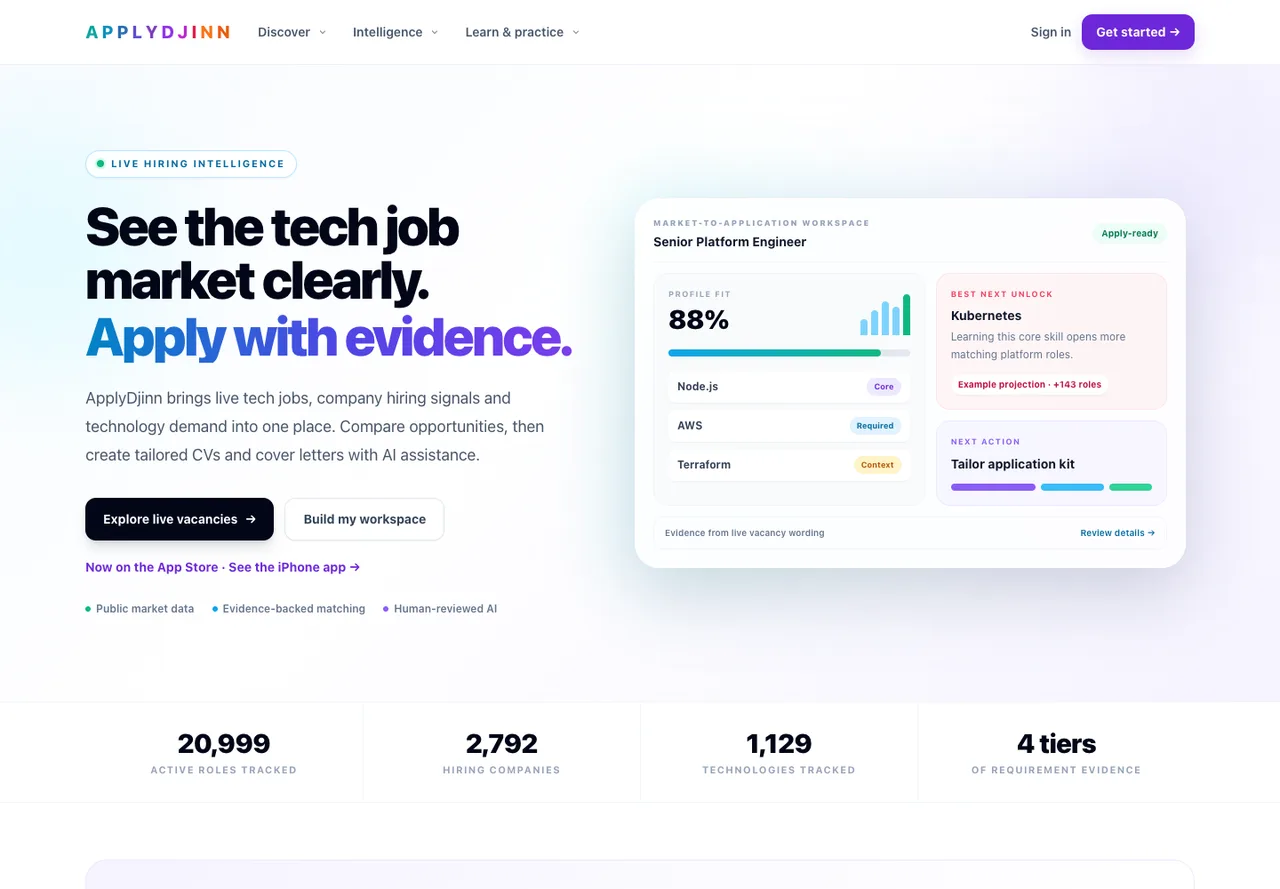
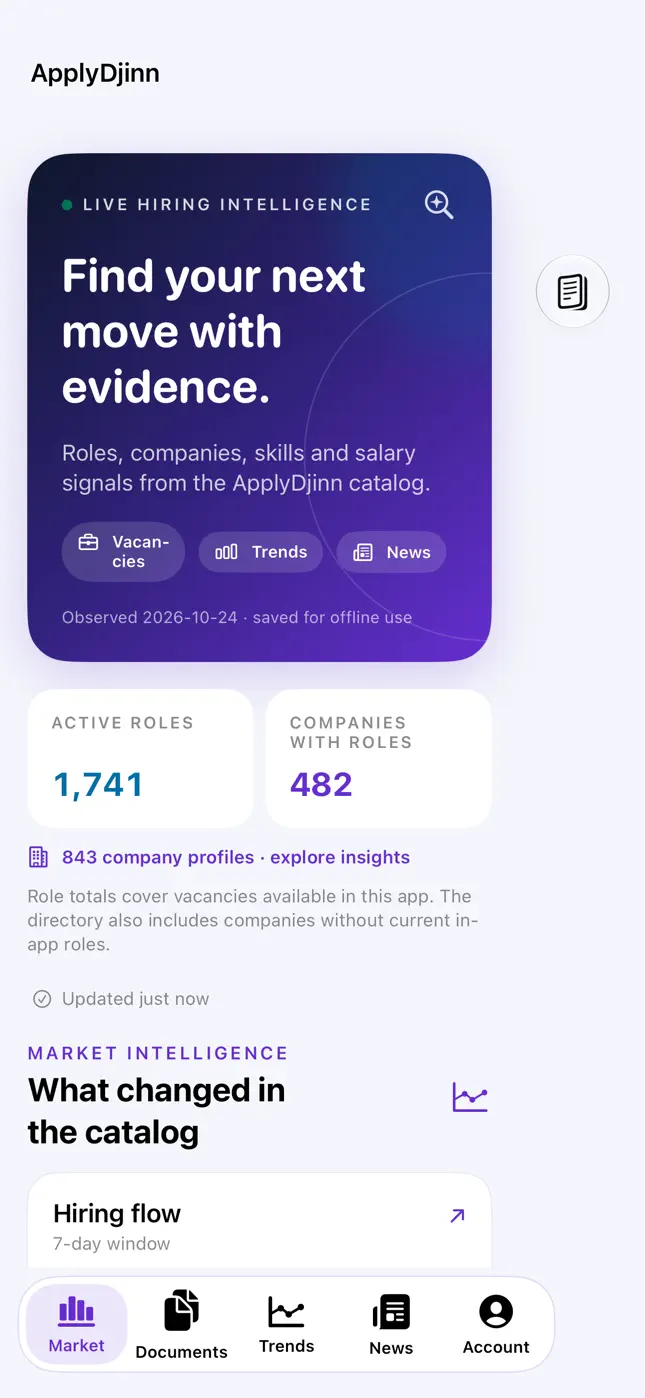
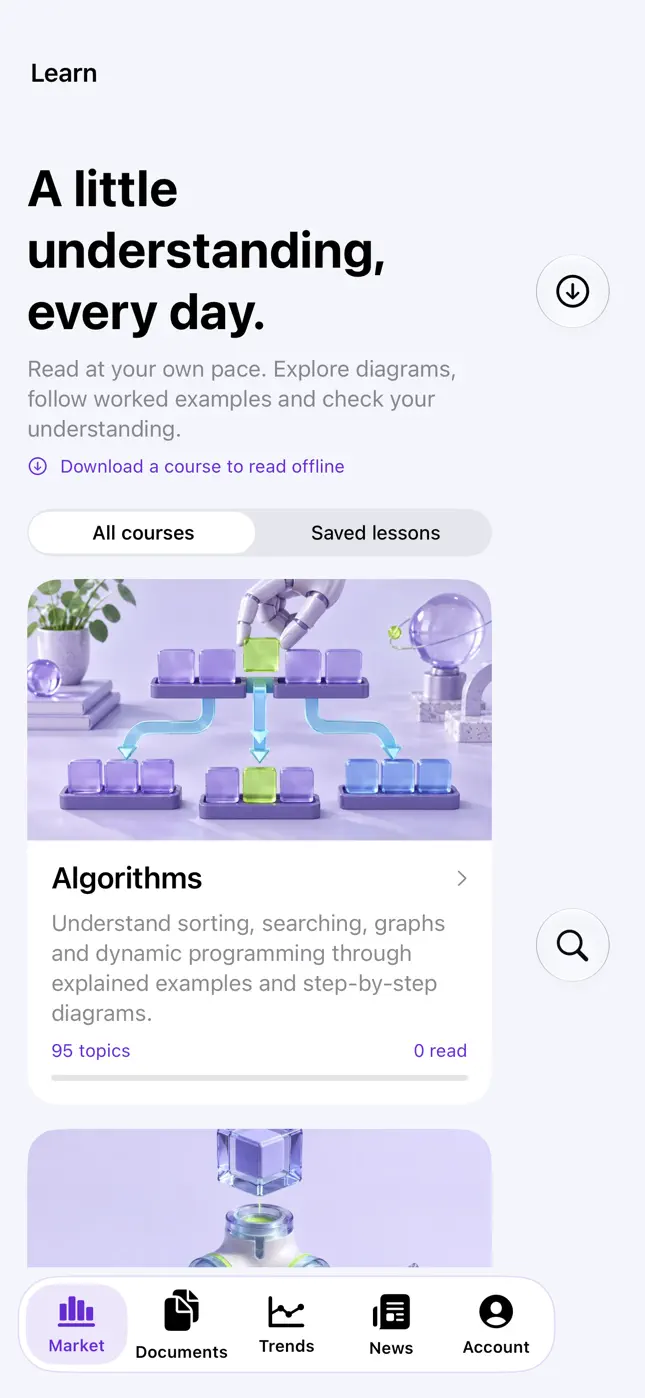

Actual screenshots from the published App Store version. Free to download, with optional in-app purchases. App Store is a service mark of Apple Inc.
Data and interpretation
Keep the evidence, source dates and access boundaries.
Direct ApplyDjinn page links
Vacancy summaries use canonical ApplyDjinn URLs. Company and news results include their corresponding first-party pages. Lessons and guides retain their exact course or source page so a reader can inspect the context.
Observed catalog coverage
Hiring research describes the catalog ApplyDjinn observes. Preserve denominators, publication dates, observation windows and missing-data labels. A listed or archived role does not guarantee an employer is still accepting applications.
Original learning content
Course tools read descriptions, lesson outlines, explanations, worked examples and prepared results. They do not execute the code. Answer flags and explanations stay hidden unless you request them for review.
Account access is separate
Public keys grant research access only. Browser-approved connections carry specific account, profile or document permissions. Revocation blocks access immediately, including refresh. Suspension, deletion or account-security changes invalidate the connection.
Bounded requests and responses
The API validates tool names and inputs, limits result sizes and applies request budgets. Respect a 429 response and Retry-After. After a timed-out creation, read the profile before retrying so you do not create a duplicate.
Existing remote MCP endpoint
The read-only Streamable HTTP endpoint at /mcp remains available for public-data clients using a personal key. The npm stdio package adds learning, guide and locally authorized account tools. A public connection never becomes a private account connection implicitly.
The software is MIT licensed. Website data, employer identities, publisher material and Apple assets retain their own rights. See Data license, Methodology, Content policy and Privacy.
Questions and troubleshooting
Before you connect an AI agent.
- What is the ApplyDjinn MCP server?
- It is an official npm package that lets MCP-compatible AI clients use ApplyDjinn tools for tech jobs, companies, market research, news, engineering lessons, interview practice and optional account access. The package runs locally over stdio and connects to the ApplyDjinn API.
- Which AI clients can use it?
- Clients that can launch a local MCP stdio server can run the npx command shown on this page. The server uses the official MCP SDK and supports modern clients and 2025-era protocol handshakes. Configuration file names and locations depend on the host.
- Do I need an account or API key?
- Course discovery, lesson reading, original guides and destination links are available without an account. Hiring research and company news use a personal read-only data key or a browser-approved connection. Private profile and document tools require their own explicit account permissions.
- Can an AI agent edit my profile?
- Yes, after you sign in on ApplyDjinn and approve profile editing. The agent can fill supplied profile fields, name and phone, skills, experience, education, languages, certificates, portfolio links, agentic-tool experience and your introduction. A read-only connection cannot edit. Public visibility, account credentials and purchases stay on the website.
- Does it receive my password?
- No. You sign in on the ApplyDjinn website. The local client uses a one-time browser authorization code with PKCE and saves a private local session. Tokens are not returned by tools or included in page links.
- How do I disconnect an agent?
- Open Account → Connected AI agents and revoke the connection, or run applydjinn-mcp logout. Server revocation immediately blocks both access and refresh tokens. The local CLI reports if a network failure prevents confirmed revocation.
- Can it read my saved documents?
- Only if you separately approve document reading. The list and detail tools are restricted to the connected user's own saved documents. A public data key cannot read documents or candidate profiles.
- Does it execute code or reveal practice answers automatically?
- It returns lesson explanations, worked code and prepared results without executing the code. Correct-answer flags and explanations are omitted by default. Request includeAnswers when you want to review them.
- Does the package call an AI model or spend ApplyDjinn credits?
- The package does not call a model itself. Your MCP host chooses its AI provider and may have separate costs. These tools do not purchase credits or run paid document generation. Name and phone edits keep the existing profile address and do not spend credits.
- Is ApplyDjinn also available for iPhone?
- Yes. The native iPhone app is available on the App Store and uses the same ApplyDjinn account. The iPhone page shows actual published screenshots, compatibility details and the release status of upcoming features.
For 401 errors, reconnect or check your public data key. For 403 errors, review the connection’s permissions. If the browser cannot return to the CLI, use a browser on the same computer and allow its local callback. Contact & support can help with the affected feature, version and approximate time; never send a password or token.
Install ApplyDjinn MCP from npm ↗